If you’re evaluating hunyuan 3d for print preparation, this independent Hyper3D and 3D Studio comparison helps distinguish mesh solidity from physical fit. It does not test hunyuan 3d.
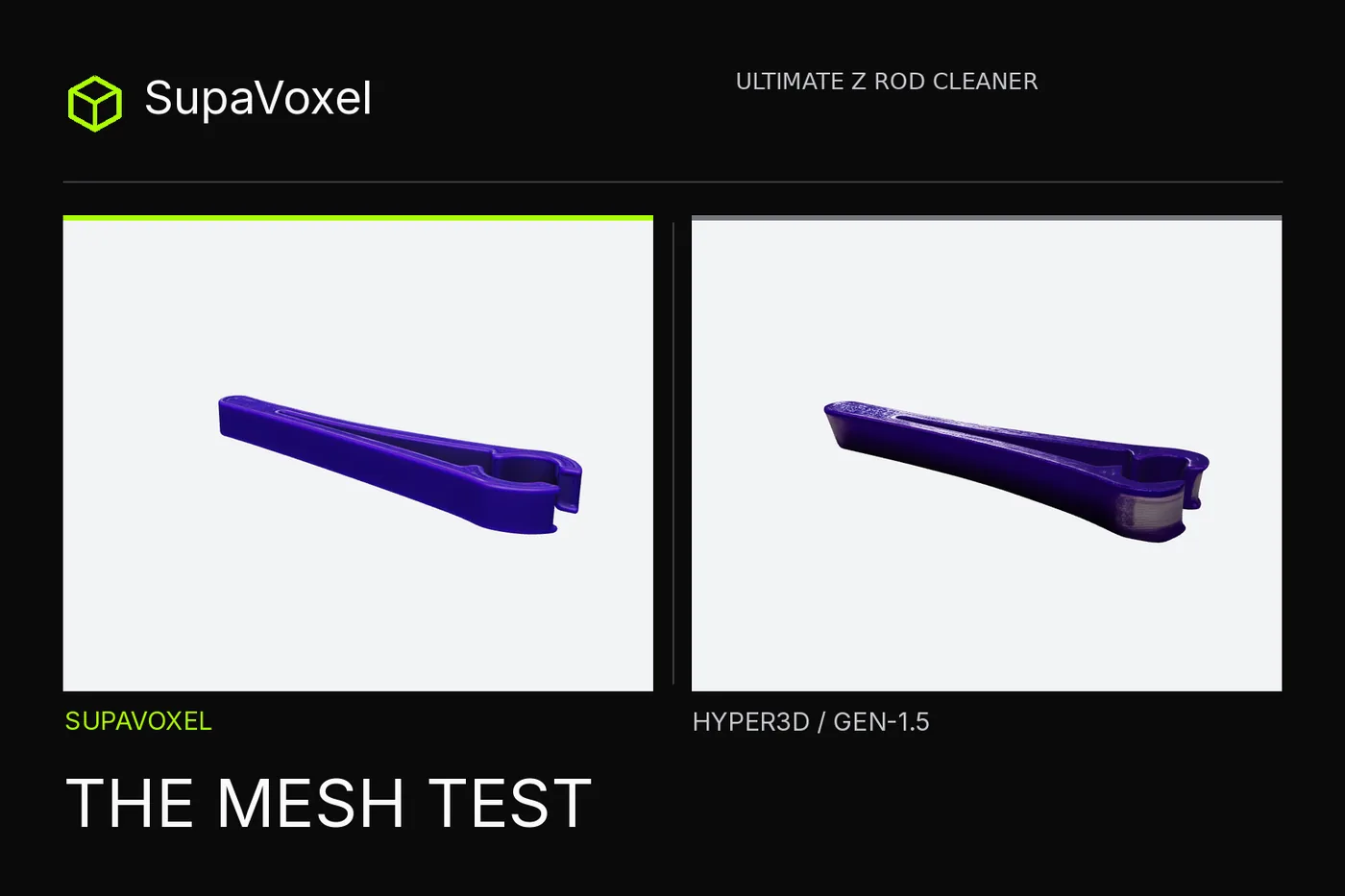
Independent review: both products were tested on my own accounts — free where offered and paid where not — with no vendor-provided access.
I used a picture of a purple Z-rod cleaner to test whether image-to-3D output could serve as a print-preparation starting point. The reference showed a long slot and two open U-shaped jaws, but no target rod or jaw clearance. Would a good-looking generated clip be a valid solid mesh? Would it actually grip anything? Those are separate questions; I measured only the first.
I fed the identical image to Hyper3D and 3D Studio, downloaded the obtainable textured models, welded their UV seams and inspected what a slicer would have to consume. Hyper3D's downloadable file came from a separate Gen-1.5 run, not its paywalled Gen-2.5 preview.
My verdict in 60 seconds — Hyper3D Gen-1.5 is the cleaner starting solid for print preparation; 3D Studio is the better-looking purple design reference. Hyper3D's obtained file has one welded watertight face-connected shell and zero nonmanifold edges. 3D Studio's actual downloaded GLB has more continuous purple jaws and a finer slot line, but 412 nonmanifold edges and 217 face-edge-connected shells touching through vertices. I would hand Hyper3D's file to a print technician first; I would use 3D Studio for appearance review only with a clearly identified repair step. Neither file passed a physical fit test, and 3D Studio's visible repair option was not exercised.
Eight paired checks for the same open-jaw image:
- Visible jaws and slot — Hyper3D: both U shapes and long opening survive · 3D Studio: both survive too.
- Welded watertightness — Hyper3D: one closed face-connected shell · 3D Studio: non-solid under the same test.
- Nonmanifold edges — Hyper3D: zero · 3D Studio: 412 after positional seam welding.
- Triangle hygiene — Hyper3D: zero degenerates and 458 slivers · 3D Studio: 576 and 2,077.
- Mean edge length at scale — Hyper3D: 0.4156 mm · 3D Studio: 0.1157 mm at 120 mm longest side; neither is jaw clearance.
- Purple jaw appearance — Hyper3D: gray exterior patches · 3D Studio: more continuous purple in matched renders.
- Potential downward-facing surface — Hyper3D: 1,176.1 mm² · 3D Studio: 984.5 mm² in model-Y orientation, not measured supports.
- Actual rod/clip fit — Hyper3D: not measured · 3D Studio: not measured; no caliper, elasticity test or print.
No scored “print-readiness” number can substitute for measuring the mating hardware.
What does the photograph actually specify?
The shared 1,529,736-byte PNG gives you purple plastic, a central lengthwise slot and two open U-shaped ends. It doesn't give you a drawing of the underside, a rod diameter or a tolerance for the snap fit. Imagine an operator asking whether their actual rod will fit: the picture has no answer. Hyper3D interpreted this same input differently for Gen-2.5 and Gen-1.5, so I will not pass off the former's preview as the latter's measured file. The actual file comparison is Hyper3D Gen-1.5 PBR against 3D Studio's browser-exported Original size GLB. Those empty areas are open jaws, not a precision-drilled closed bore.
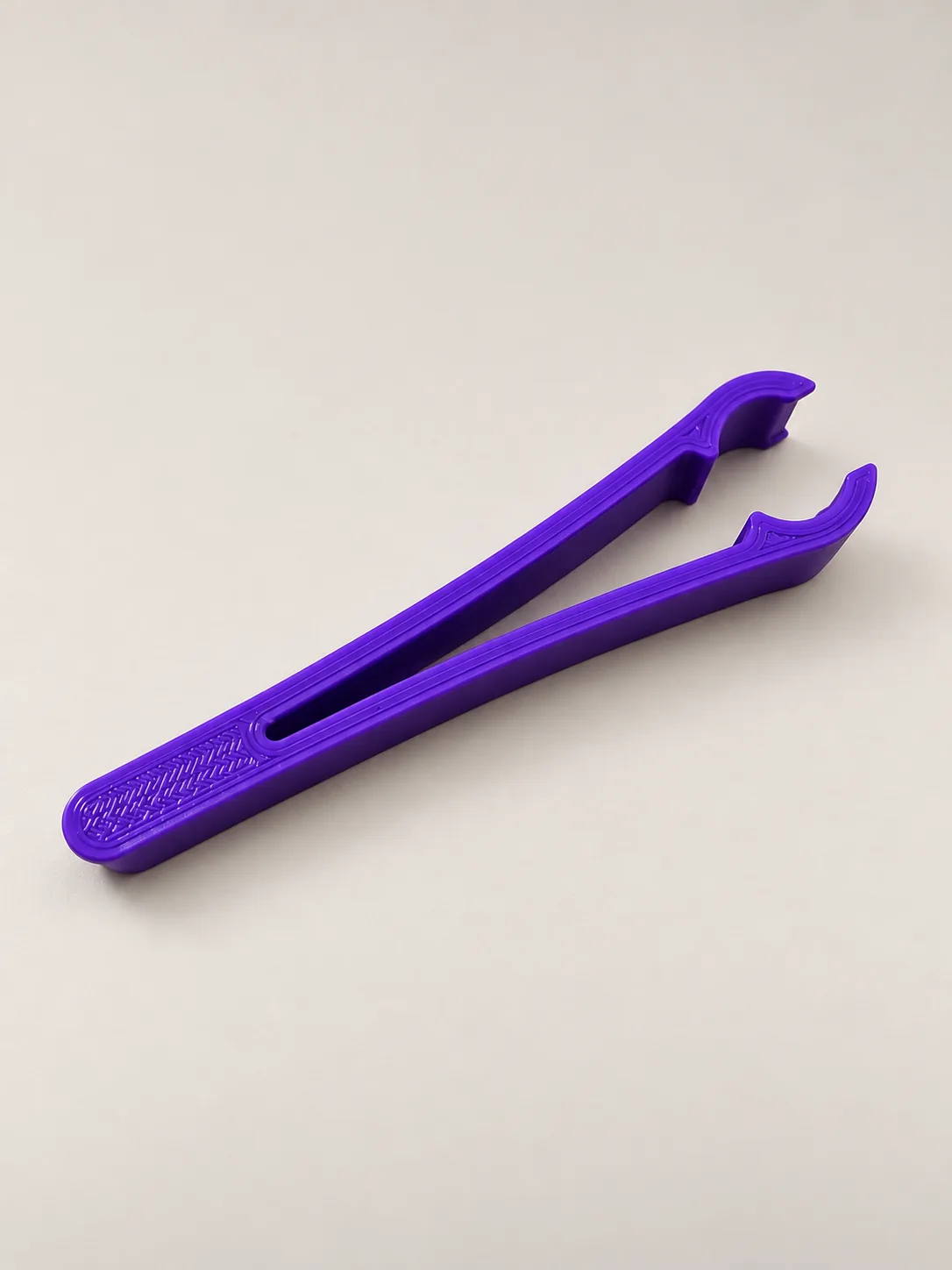
The identical 1,529,736-byte input to both Hyper3D and 3D Studio runs; no calibrated ruler or target rod is pictured.
Can you see through both jaws?
Viewed from the open end, Hyper3D preserves the paired U-shaped jaws rather than filling them in. That matters more here than the presence of a decorative pattern: this Hyper3D object is supposed to clip around something. The matched 3D Studio end-on view also leaves both U shapes open and has more continuous purple coloration at the jaw tips. Neither Hyper3D nor 3D Studio render contains a scale reference, and an opening that looks plausible on screen may still miss the actual rod by a fraction of a millimeter. The controlled comparison was each exported asset rescaled until its longest bounding-box side measured 120.0 mm; this did not set either jaw mouth to a known size. We did not perform an inside-jaw caliper measurement.
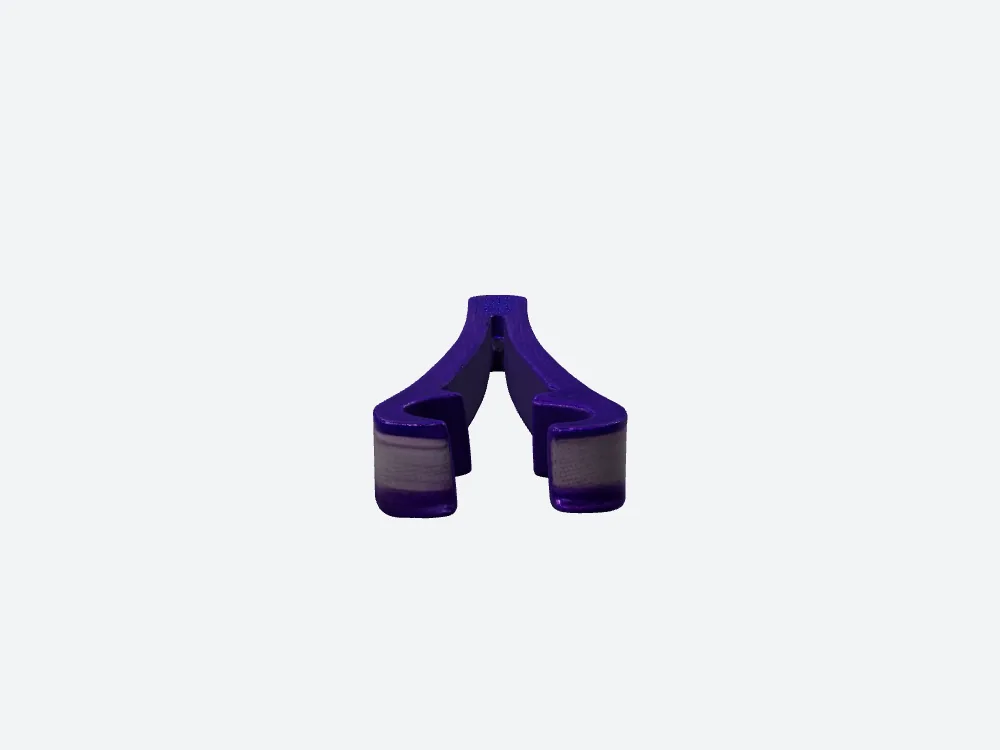
Hyper3D Gen-1.5 viewed from the jaw end; the two openings are visible, but their clearances were not measured.
Will the mesh even form a solid?
A printed solid needs more than a persuasive shaded render. We examined the downloaded Hyper3D and 3D Studio textured GLBs and welded positional duplicates at UV seams before checking topology. The 120,000-triangle Hyper3D Gen-1.5 file then formed one face-connected watertight shell, with zero boundary edges and zero nonmanifold edges. 3D Studio's 1,499,510-triangle file still failed the watertight check with 412 nonmanifold edges, even though its boundary-edge count was also zero. “No holes” in one edge-count column is not the same as a well-formed solid when edges meet more than two faces. For this part, Hyper3D gave the cleaner first candidate to inspect in a slicer; the result still needs physical dimensions and print verification.
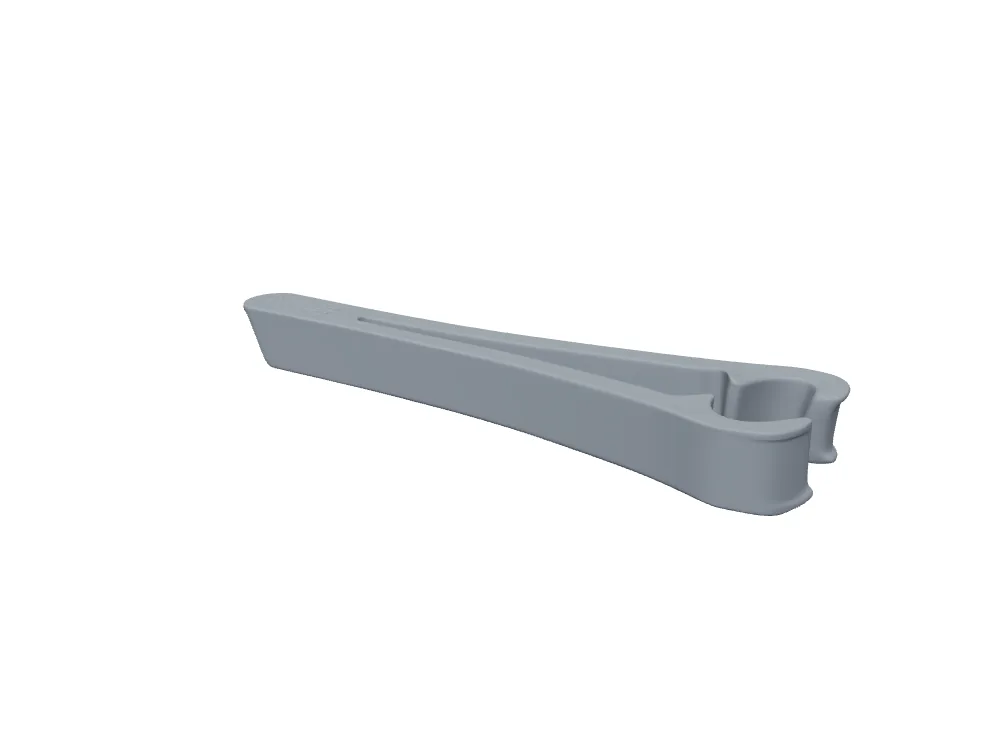
The downloadable Hyper3D Gen-1.5 gray mesh retains the open-jaw silhouette; welded checks find zero nonmanifold edges.
Are 217 shells really 217 separate parts?
The number 217 sounds like a bag of broken pieces. It isn't. In 3D Studio's file, 217 groups of faces do not share a full edge with each other, but the groups touch through welded vertices; by that looser measure the model is one connected assembly. It would be wrong to tell the print shop it contains 217 separate parts. It would be just as wrong to treat point contacts as sturdy joins or to calculate a resin volume from a mesh that fails the solid check. Hyper3D's welded file has one face-edge-connected shell. A clean screenshot and an intact-looking purple silhouette cannot settle this handoff: export topology can.
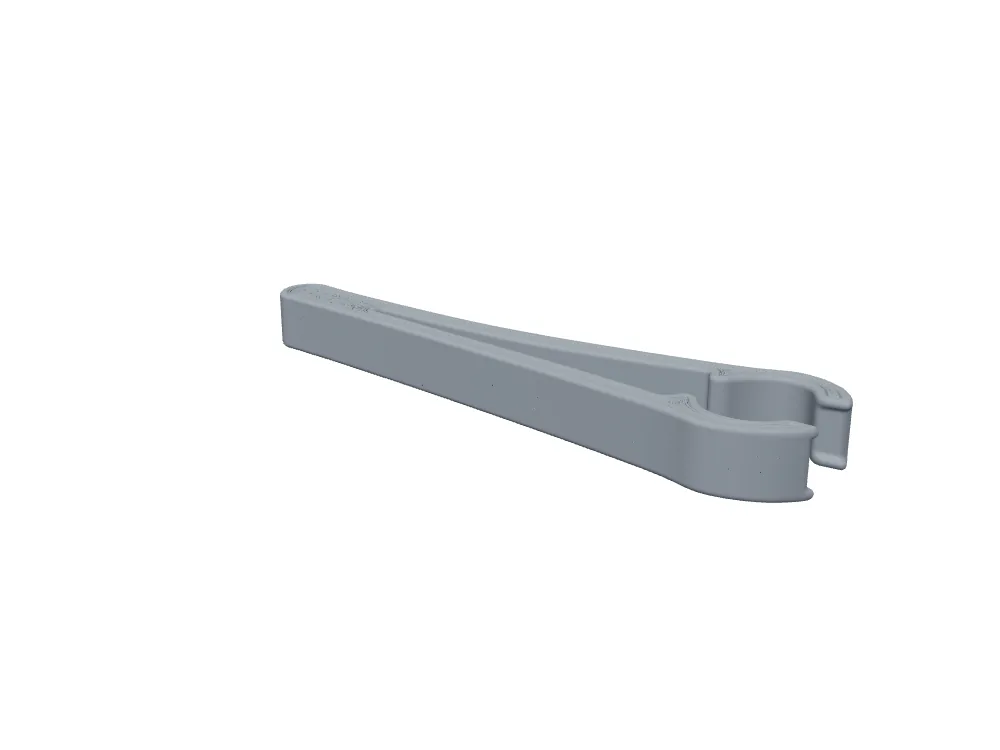
3D Studio's gray view, compared with Hyper3D, is visually continuous; the exported mesh has 217 edge-connected face shells but one vertex-connected assembly.
Would flipping the normals repair it?
Both Hyper3D and 3D Studio meshes passed the standard welded winding-direction consistency check. A stricter directed-edge pass on the 3D Studio file flagged 216 conflicts, but every one was a degenerate zero-length self-edge artifact; the count of direction conflicts on nondegenerate shared edges was zero. That is not evidence of a backwards-facing jaw or an inside-out body. It also does not rescue the 412 nonmanifold edges or turn the mesh watertight. The distinction matters when deciding a Hyper3D comparison or repair: blindly flipping normals would target a defect not demonstrated by this test. Hyper3D also has consistent winding, zero boundary edges and zero nonmanifold edges after welding. If you are diagnosing print failure, preserve those separate observations rather than collapsing them into a generic “bad mesh” or, worse, blaming a color patch on reversed polygons.
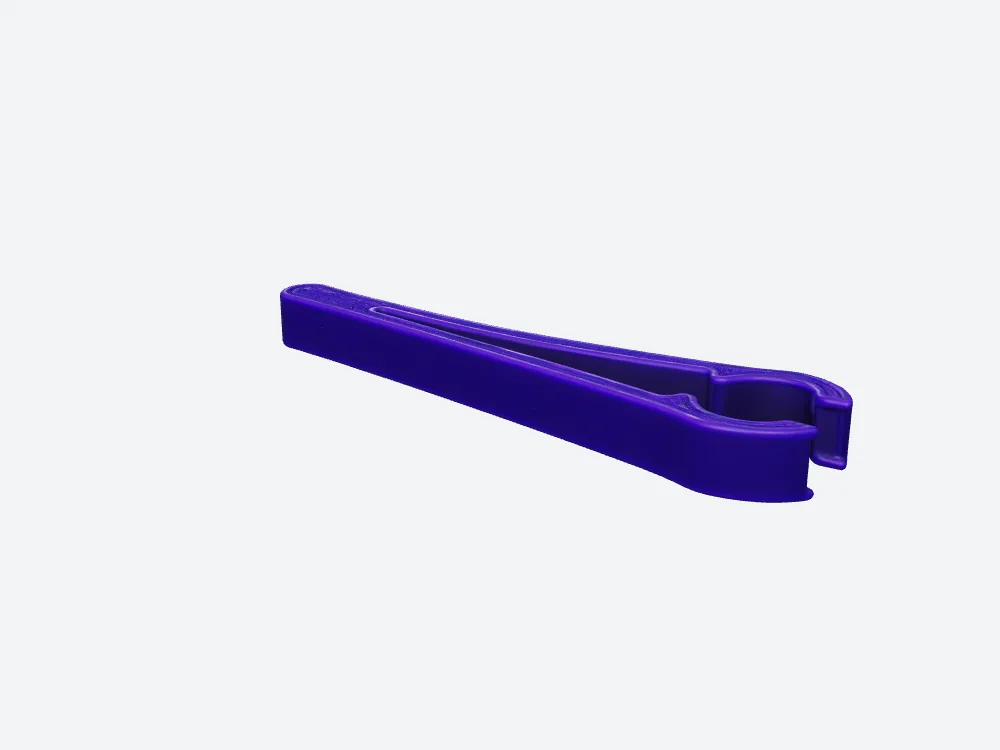
Purple 3D Studio render, compared with Hyper3D, has intact jaws; the 412-edge topology problem does not announce itself in this shaded view.
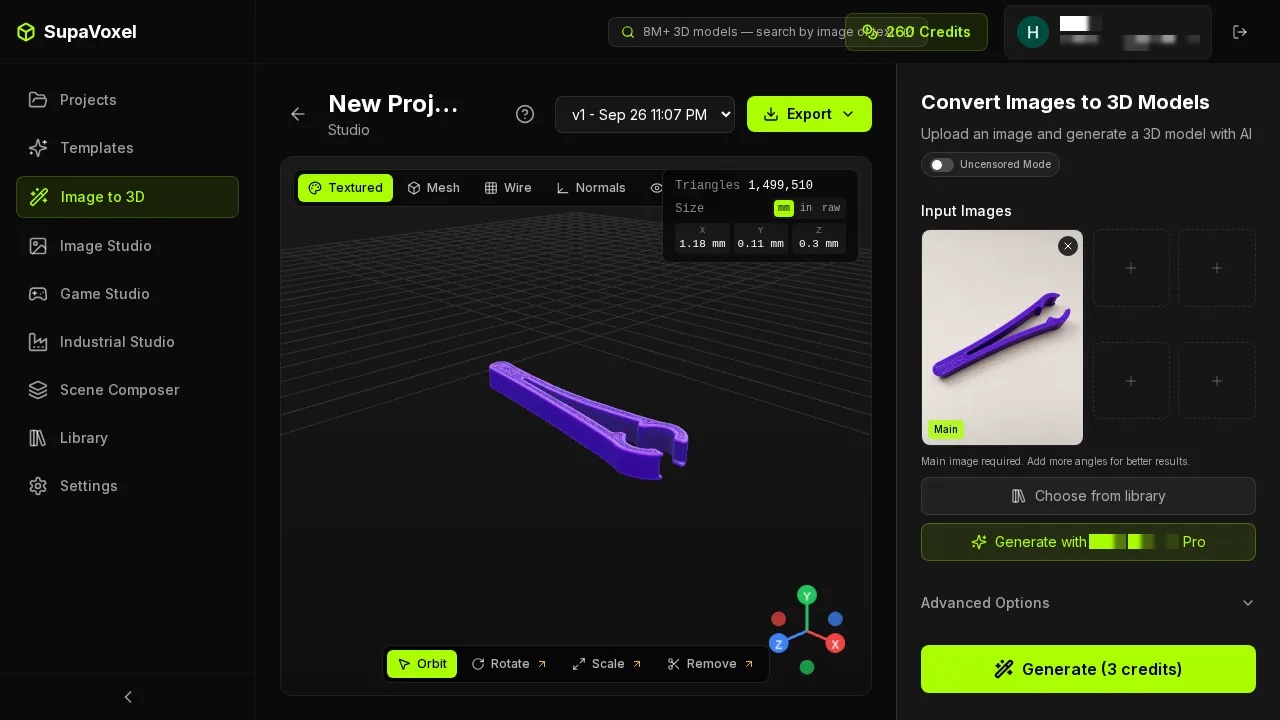
The real 3D Studio result screen shows the model before export; only the separately parsed GLB revealed its nonmanifold edges.
What will the repair technician actually face?
The Hyper3D Gen-1.5 export has zero degenerate faces and 458 sliver faces. The 3D Studio export has 576 degenerate and 2,077 sliver faces in the same offline analysis. A degenerate triangle consumes file structure without spanning a proper area; a sliver is narrow relative to its other dimensions. Neither count alone proves a printable clip or predicts the strength of a loaded spring arm. But the combination of 3D Studio's degenerates, slivers and nonmanifold edges gives an operator concrete repair targets before slicing. Conversely, Hyper3D's cleaner counts do not magically specify clearance or print orientation. The Hyper3D and 3D Studio wireframe close-ups are difficult to interpret at these triangle densities; the numbers come from parsing the exported GLBs, not from counting dark lines in a screenshot. Visual geometry and machine-checkable topology answer different questions.
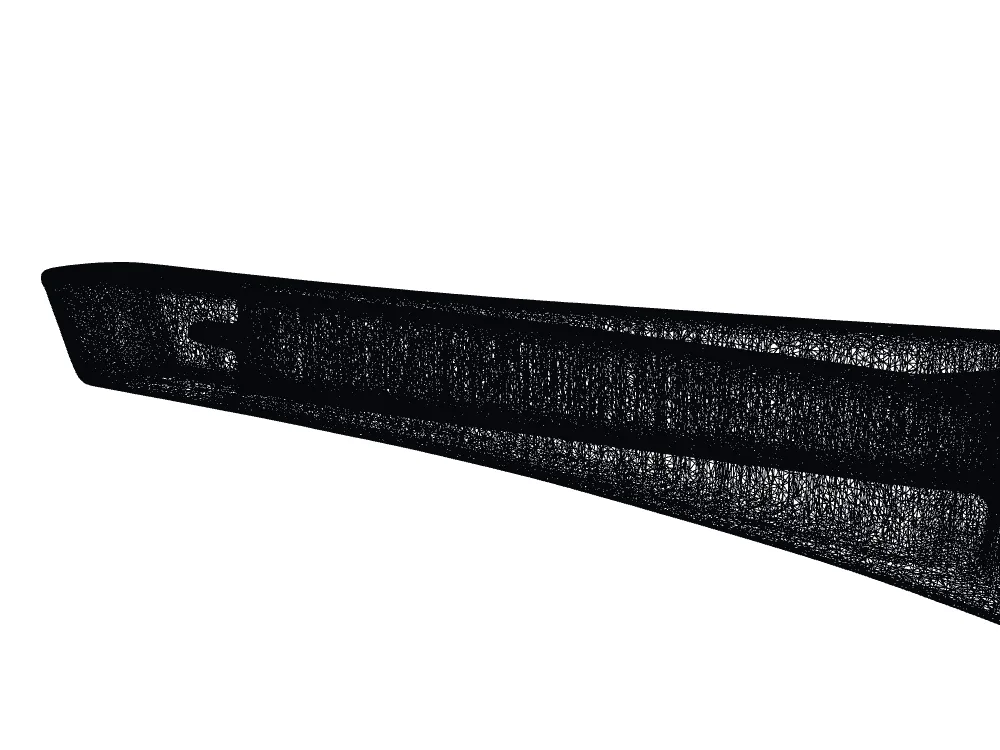
Hyper3D wireframe crop; the parsed file, not line density in the picture, establishes zero degenerate faces and 458 slivers.
Does a fine triangle mean a precise jaw?
At the common 120 mm longest-side normalization, mean triangle-edge length is 0.4156 mm for Hyper3D and 0.1157 mm for 3D Studio. The latter is finer on average, and its 1,499,510 faces are roughly 12.50 times the Hyper3D export's 120,000. A 0.4 mm FDM nozzle is a useful reference assumption, not a theorem saying a 0.4156 mm triangle prints or a 0.1157 mm triangle is wasted. Edge length is not minimum jaw wall, corner radius, internal clearance, or extrusion width at the critical contact point. A coarse Hyper3D average can hide tiny features; one dense mesh can bury large topology defects. For the task of fitting a real rod, the next measurement is the opening and arm thickness in physical units, not another polygon-count comparison.
At 1,499,510 triangles this 3D Studio crop, beside Hyper3D, becomes almost black; it cannot visually certify printable wall thickness.
Where would support be needed?
Using model-world Y as up and marking triangle normals within 45 degrees of straight down, the potential downward-facing area is 1,176.1 mm² (15.10%) on Hyper3D and 984.5 mm² (12.96%) on 3D Studio, after longest-side normalization. The 3D Studio number is smaller than Hyper3D's, and it deserves disclosure even though that mesh failed the solid check. But this is not a slicer's support volume, a support-material budget, or the area that will definitely need support in a chosen print orientation. Rotate the clip for printing and the directional classification can change. A repair to nonmanifold regions may also alter which faces are present. Before quoting print duration or support cost, an operator should repair the second mesh, pick an orientation for each, slice them and inspect the contact features.
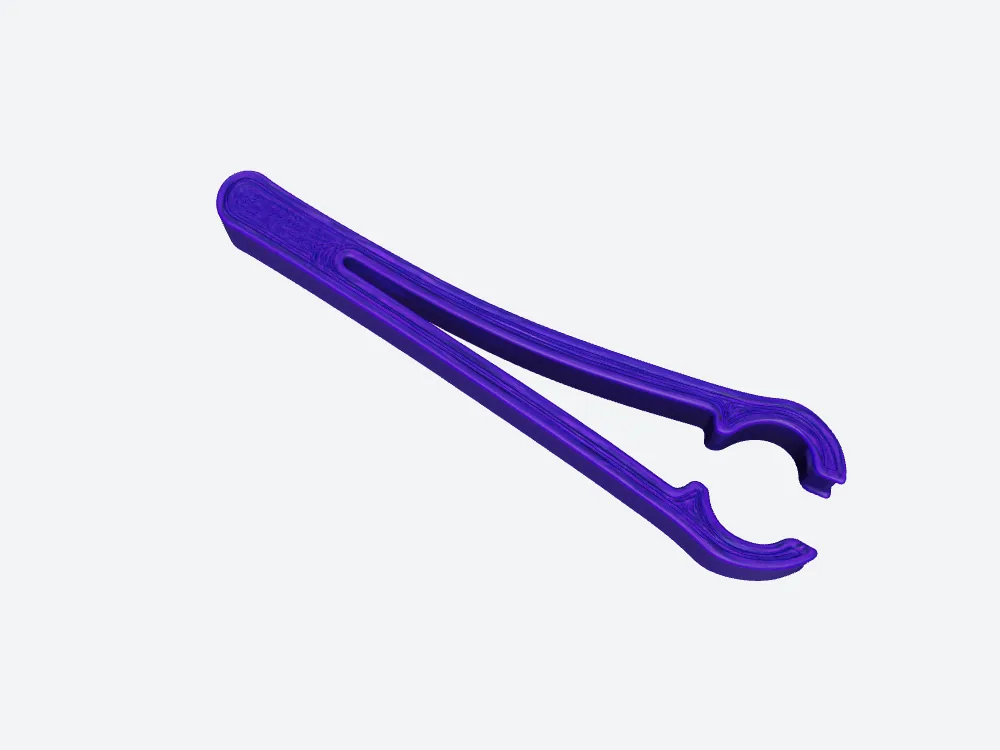
The 3D Studio top view, beside Hyper3D, shows the slot and jaw geometry; 984.5 mm² is only a potential downward-area calculation.
Can I quote the resin for one clip?
The Hyper3D welded file is closed, consistently wound and free of nonmanifold edges in this test, so a simplified solid volume can be calculated: 14.96 cm³ at the normalized size. At $35 per liter, solid-fill resin alone would be about $0.52 for that volume. The Hyper3D estimate excludes supports, losses, hollowing, machine time, orientation, cleaning, curing and failed fits. The Hyper3D $0.52 is not a print quote. The 3D Studio export's 412 nonmanifold edges prevent a trustworthy signed-solid volume, so a corresponding volume or resin-dollar estimate is not captured. More importantly, even a defensible solid volume says nothing about whether the printed plastic can flex around a rod without breaking.
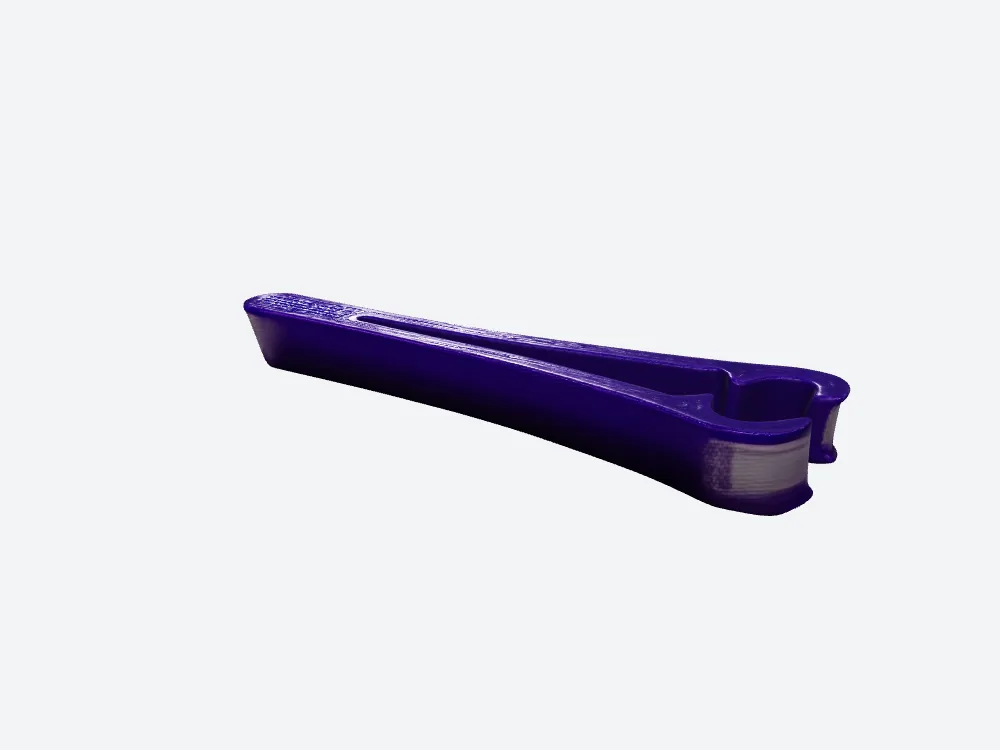
The topology-valid Hyper3D Gen-1.5 file supports a simplified 14.96 cm³ solid-fill calculation, not a tested finished part.
Final verdict: the cleanest shell still needs a real rod
I would hand Hyper3D's downloadable Gen-1.5 clip to the print technician first. After UV-seam welding it is one watertight face-connected shell with zero nonmanifold edges, zero degenerate faces and a valid simplified solid-volume estimate. 3D Studio's 412 nonmanifold edges and 576 degenerate faces make its exported clip a repair job before slicing; a pleasant purple render cannot waive that work. But a watertight flag cannot tell me if either jaw fits a Z rod, how far the arms flex or whether a finished part would survive repeated use. That makes Hyper3D the more defensible starting mesh in this one test, not a finished clip.
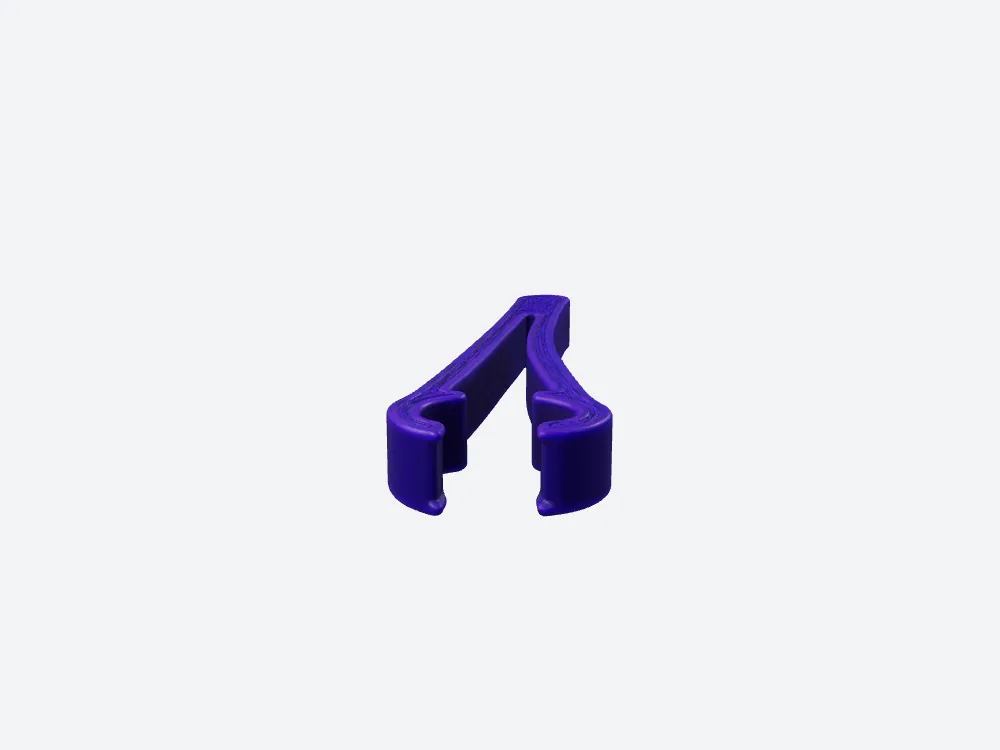
The purple jaw silhouette is easy to inspect; jaw clearance remains unmeasured.
3D Studio genuinely wins the visible color and fine surface line. Its potential downward-facing area at the stated orientation is 191.6 mm² lower, though that is not a support-material saving. Both applications left the U-shaped openings visually open. If appearance is the brief, those are reasons to carry its model into a repair-and-measure workflow rather than rejecting it on a screenshot alone.
Use 3D Studio for this job
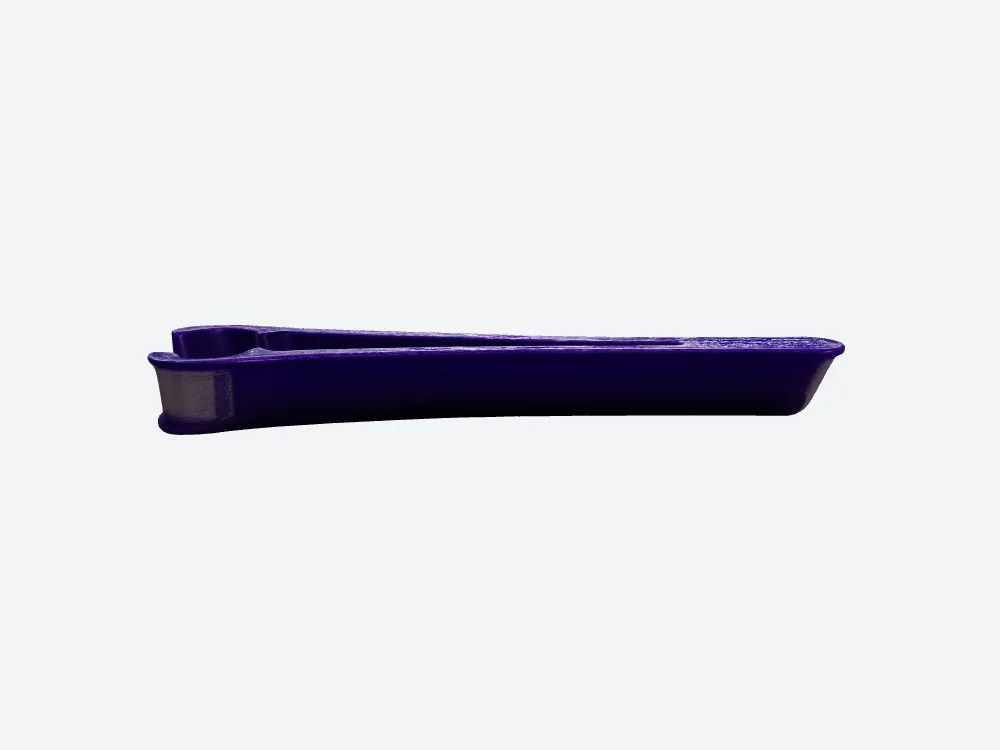
The back is an inference from one picture, not a fit drawing.
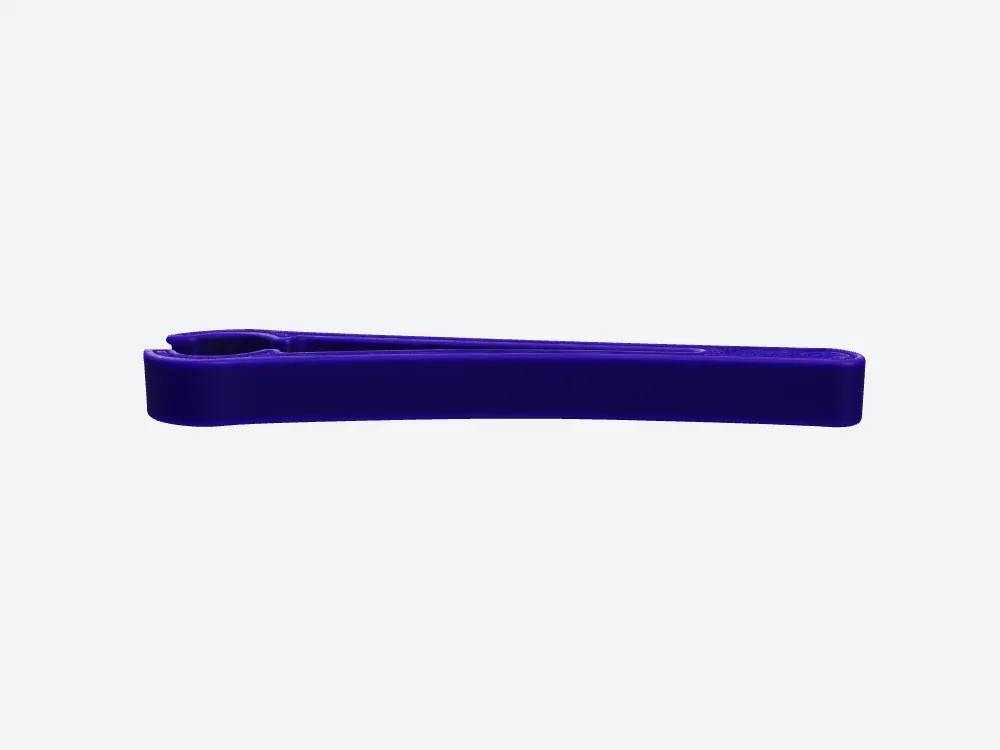
Another inferred back: a smoother picture does not establish a stronger clip.
For a purple concept model you can rotate, inspect in Mesh and compare against the reference, 3D Studio is the appearance-led choice. Use its visible repair entry only after testing it yourself—we did not activate that tool—and re-audit the GLB after any repair. For a clip being sent straight to a print technician, prefer the cleaner Hyper3D Gen-1.5 starting file, then measure jaws against the actual rod and make a physical test piece. Neither file is a proven maintenance tool.
How I tested this
The same independently generated 1,529,736-byte PNG went to both applications. The Hyper3D Gen-1.5 ZIP and the 3D Studio Original size GLB were both actually captured; the separate charged Hyper3D Gen-2.5 preview was export-gated. We welded duplicate positions across UV seams before checking face/edge and vertex connectivity, winding and edge incidence. 3D Studio has 217 face-edge-connected shells but one vertex-connected assembly: do not call them 217 disconnected parts. Its 216 strict directed-edge conflicts were all zero-length self-edge artifacts; nondegenerate winding conflicts were zero, but 412 nonmanifold edges remain. Longest bounding-box edge—not vertical height—was normalized to 120 mm; calculated vertical spans are 13.13 and 11.24 mm. The $0.52 Hyper3D figure assumes 14.96 cm³ solid fill at $35/L and excludes supports, orientation, machine time and failed fits. 3D Studio has no defensible solid-volume quote. No slicer, physical print, caliper, target rod diameter or jaw-flex test was performed.
Originally published on Medium: Hyper3D 3D Print Review 2026: 0 Nonmanifold Edges, No Fit Test.