Readers comparing hunyuan 3d with TRELLIS 2 for game props get a practical look at input views, mesh control and post-generation checks, so they can choose a starting model more deliberately.
For game props, the better model depends less on which demo looks sharper and more on what your asset needs after generation. I compare Hunyuan3D’s control over mesh density with TRELLIS 2’s handling of open shapes, then follow both through the edits a game asset still needs.
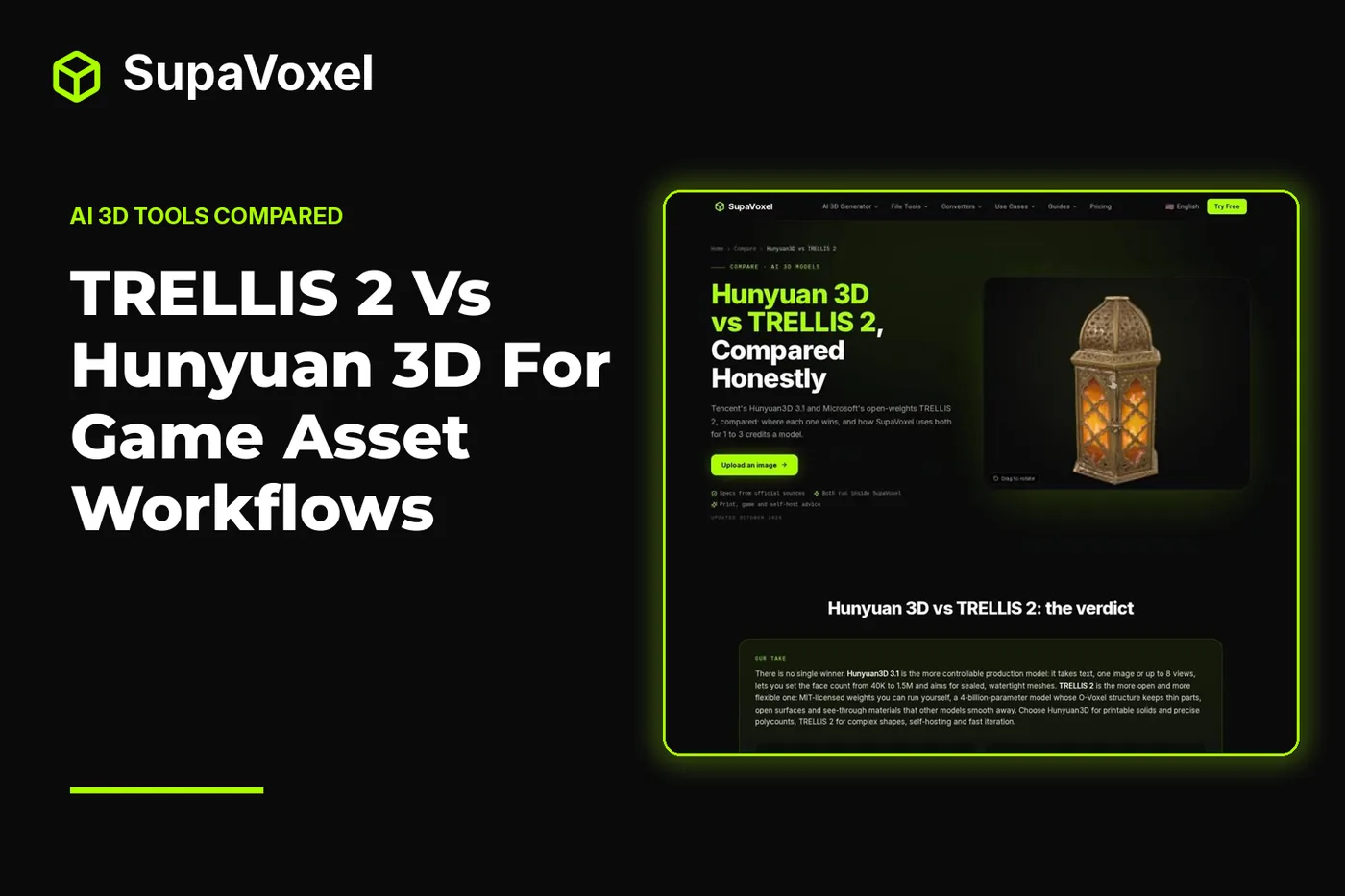
The short version
- Choose Hunyuan3D 3.1 when you have a text prompt, several reference views, or a polygon target you want to set during generation.
- Choose TRELLIS 2 when the silhouette depends on gaps, thin structures or translucent parts—and when you want MIT-licensed weights you can run yourself.
- Neither output is automatically a finished game asset. Check the silhouette, materials, scale and collision in your actual project.
- For self-hosting, TRELLIS 2 requires an NVIDIA GPU with at least 24 GB of memory. Hunyuan3D 3.x has no public weights; its older open 2.1 release has different hardware and license terms.
Start with the reference, not the model name
If I have sketches of a prop from several sides, I want the generator to use them. Hunyuan3D 3.1 accepts text, a single image or up to 8 views. That makes it the more direct choice when a front view hides a handle, a weapon’s profile matters, or a written description is all I have.
TRELLIS 2 takes a single image. I would use a clear three-quarter reference that shows both the object’s face and its depth, rather than expect the model to infer important features hidden behind a straight-on shot. Its strength is not broader input choice; it is what it can represent from that image.
3D Studio’s Hunyuan3D vs TRELLIS 2 comparison puts the input, geometry, texture and hosting differences together. I use those distinctions to choose a starting mesh, not to predict that either model will reproduce an unseen surface perfectly.
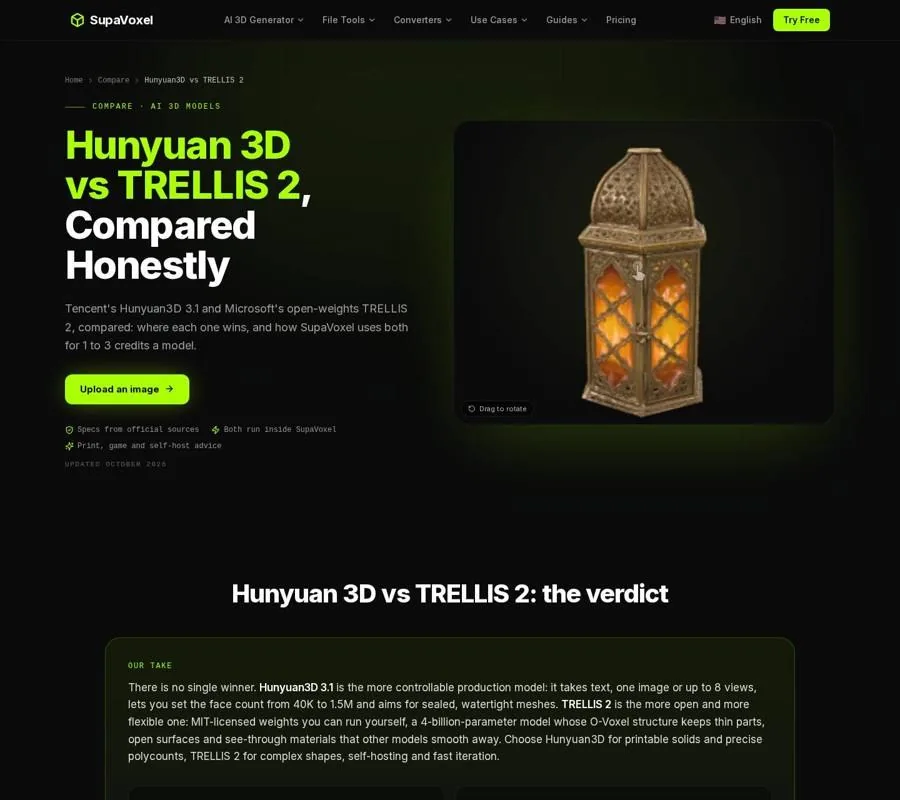
The comparison page sets out the models’ different inputs and mesh controls.
Separate polygon budgets from geometric detail
Hunyuan3D 3.1 offers a configurable face count from 3,000 to 1,500,000, along with a quad-dominant topology option. If I am building a prop for a specific performance target, that control gives me a useful starting point. I can request a lighter mesh rather than beginning every job with maximum detail.
A requested face count is not a promise of production-ready topology. I still inspect the silhouette at the size it will appear in-game. A low face count may flatten a curved handle or erase a distinctive notch; a high one may spend geometry on surface noise the player will never see. For a deforming character, I would expect to rebuild the edge flow rather than treat generated topology as an animation rig.
TRELLIS 2 works differently. Its output resolution is specified from 512³ to 1536³, but face count is automatic. Resolution is not a polygon-budget dial. I would generate for the shape I need, then simplify or retopologize for the game. That extra pass matters when an asset must fit a strict triangle budget or share a consistent level of detail with surrounding props.
Check openings and materials as one design problem
Consider a lantern cage, a leafy plant or a prop with crossing straps. The empty space is part of its silhouette. TRELLIS 2’s O-Voxel representation can preserve open surfaces, thin walls and intersecting parts rather than forcing every shape into a closed skin. That is a good reason to try it first for intricate set dressing.
Hunyuan3D 3.1 instead targets watertight, manifold geometry. I would favor that for a solid statue, potion bottle or product-like prop whose clean outer volume matters more than narrow openings. It also offers PBR textures up to 4K; TRELLIS 2 produces PBR materials with opacity, which is relevant to glass-like or gauzy details.
Geometry and materials still need separate reviews. An opening that survives generation can disappear visually under a poor camera angle or lighting setup. An opacity value does not remove the need to inspect how the material appears in the destination engine. I check the asset against its background and under the lighting I intend to use, not just in a generator preview.
Decide how much of the setup you want to own
For a self-hosted workflow, TRELLIS 2 has the clearer path: its weights and code are available under the MIT license, and it needs an NVIDIA GPU with at least 24 GB of memory. That combination is attractive if I need to run many iterations inside a pipeline I control.
Hunyuan3D 3.x is offered through cloud terms rather than public weights. The older Hunyuan3D 2.1 release is open, but it needs 29 GB of VRAM for shape and texture together. Its community license does not apply in the EU, UK or South Korea. I would not treat the older weights as an interchangeable, self-hosted copy of 3.1.
For commercial game work, I check the terms of the version and service I will actually use before committing an asset. TRELLIS 2’s MIT license makes the self-hosting question straightforward; Hunyuan3D’s cloud terms and the older release’s regional restrictions call for a closer read. If neither model fits the job, 3D Studio’s 3D AI Models guide helps place them alongside Tripo and Meshy by the kinds of assets each handles best.
Inspect and edit the mesh in Blender
Generation ends where asset preparation begins. I keep the original output, work on a copy and inspect the result at the camera distance and scale the game will use.
- Check the silhouette first. Rotate the prop and look for shapes that were hidden in the reference. Decide whether missing openings need modeling or whether a different input image would be faster.
- Reduce geometry with a visible goal. Decimate gradually for a rigid prop, watching for damage to its outline. If the asset must deform, build suitable topology instead of relying on automatic reduction.
- Preserve the materials before remeshing. A heavy remesh can discard the relationship between the original mesh and its texture. Save the textured version before making a sculpting or retopology copy.
If I use 3D Studio’s separate image-to-3D generator as a hosted route, its Blender AI workflow explains how to bring a GLB into Blender with the built-in glTF importer and inspect its materials. That import path is useful for preparing a prop, but it is not a claim that either model in this comparison produces the same file through 3D Studio.
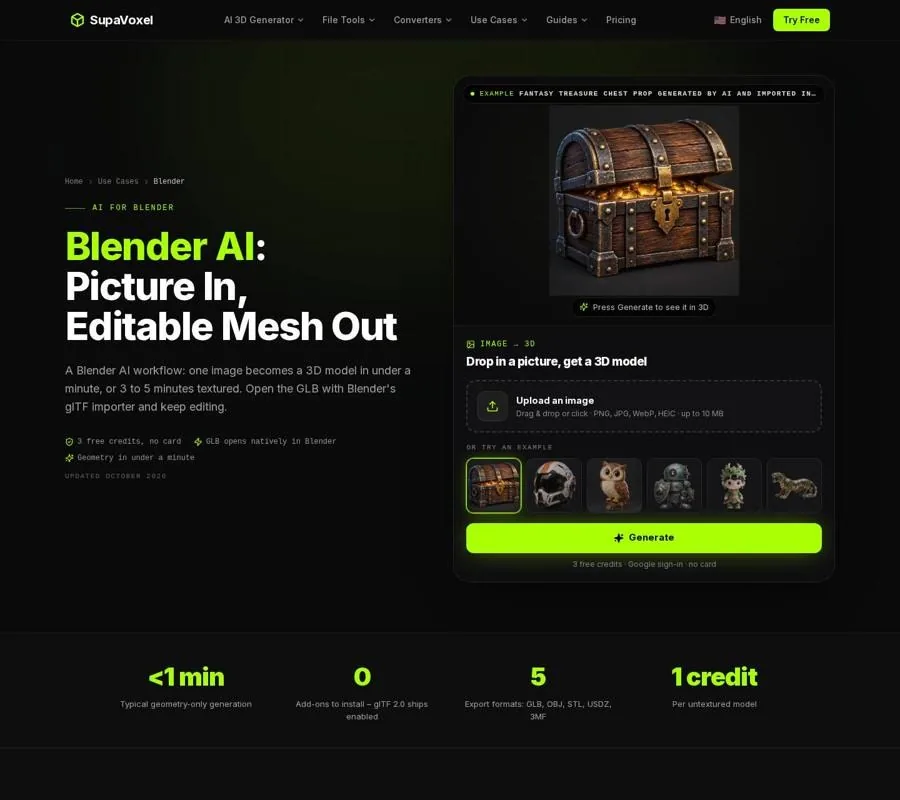
The Blender page shows the GLB import and editing workflow for a generated mesh.
Test the prop in Unity, not just in a viewer
I judge a game asset in its destination scene. A mesh that looks detailed on its own may be too dense for a background object, hard to read at gameplay distance or awkward to use for collision.
- Set its intended scale. Put the prop beside a known scene object and check how large it feels in play.
- Review its material under project lighting. Pay particular attention to thin parts and opacity; a good preview is not a substitute for an in-engine check.
- Add collision for the job. A simple Box or Capsule Collider often makes more sense for gameplay than tracing every decorative edge. Use a closer-fitting collider only when interaction calls for it.
For 3D Studio-generated GLBs, its Unity 3D models workflow covers importing with glTFast, checking the resulting prefab and adding colliders. Whatever produced the mesh, I make the final keep-or-rework decision in the scene where the player will see and use it.
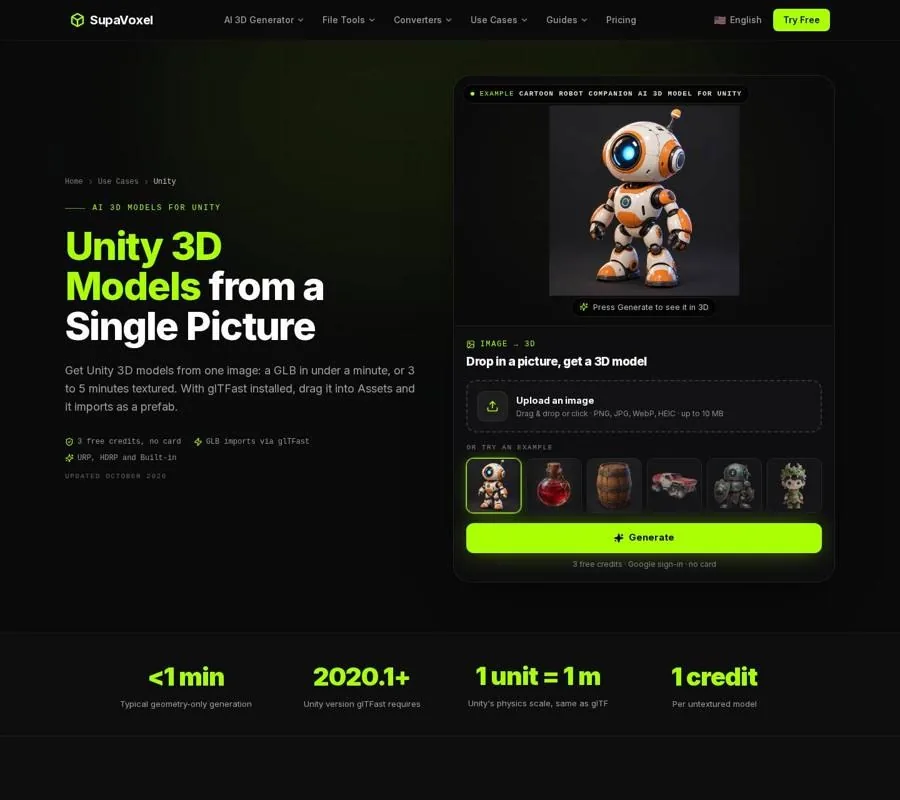
The Unity page shows the route from an imported GLB to a scene prop with materials and collision.
FAQ
Which is better for a game prop with a strict polygon budget?
I would start with Hunyuan3D 3.1 because it lets me set a face count during generation. I would still inspect and optimize the result. TRELLIS 2 sets output resolution while face count remains automatic, so budget work happens afterward.
Can TRELLIS 2 make assets from text prompts?
Not directly; it takes a single image. Hunyuan3D 3.1 accepts text as well as image input, making it the simpler choice when the concept exists only as a description.
Does MIT licensing mean a TRELLIS 2 mesh is game-ready?
No. The license addresses use of the released code and weights, not the quality of an individual mesh. I still check the geometry, materials, performance and rights to my input image before putting an asset into a project.